Multiple Symbolic Links Windows

Create a batch file, for example: symlink.bat with the following content and edit the source and target locations to suit. @echo off set "source=c:\source\directory" set "target=c:\target\directory" set "exclude=%temp%\exclude.txt" ( rem exclude files/dires with these strings into full path echo .txt echo pipe.cmd rem escaped backslash and initial and final quotes to avoid partial matches echo "c:\\source\\directory\\something.txt" rem exclude thisNot file/directory from source directory echo "%source:\=\\%\\thisNot" )> "%exclude%" forfiles /P "%source%" /C "cmd /c (echo @path|findstr /i /v /g:"%exclude%" >nul) && if @isdir==TRUE (mklink /d \"%target%\\\"@file @path) else (mklink \"%target%\\\"@file @path)" del "%exclude%" > nul Original answer posted on: stackoverflow


2 November 2021 · Mark

FrontMatter for VSC

I recently set up a addon for Visual Studio Code, for editing Markdown files in HUGO. The addon was from Elio Struyf called FrontMatter. I got it working quickly enough. Although I had problems with the media paths not showing correctly in the media browser. The reason for this was, I’d used the default setting (as mentioned in the documentation) which assumes media will be in the root static folder, where as I had media in an assets folder under the content folder. ...

1 November 2021 · Mark

Git Version Control Setup

After a few false starts I have finally got my Hugo site setup to use git submodule to push the HTML output to the remote webserver. It was a little involved at first, but once I got my head around the idea of a git repo within a git repo, not being a git repo but rather just a folder marked as a submodule of some parent module… you get the idea. A confusing concept that is simple and sounds simple, but isn’t explained particularly well in any article I found. ...

25 October 2021 · Mark

Change Mac Machine Name via Terminal

I needed to change the name of one of my Macs remotely and this is the command to do it: sudo scutil --set HostName [NewHostNameHere]

22 October 2021 · Mark

SSH copy keys from Windows

I have recently been setting up an old Mac Mini as Webserver and NAS server. One of the things I wanted to do was enable ssh key pair login and wondered how one used ssh-copy-id on a Windows machine to get the public key from a local machine to the server. It turns out you can’t but the cat command can do it just fine. Here is the template: type C:\Users\<user>\.ssh\id_rsa.pub | ssh <user>@<remoteserver> 'cat >> .ssh/authorized_keys' This assumes your public key is in the default location, your home directory under the .ssh directory, if not modify the first part of the command to reflect its location ...

22 October 2021 · Mark

Empty Pie Menu Blender

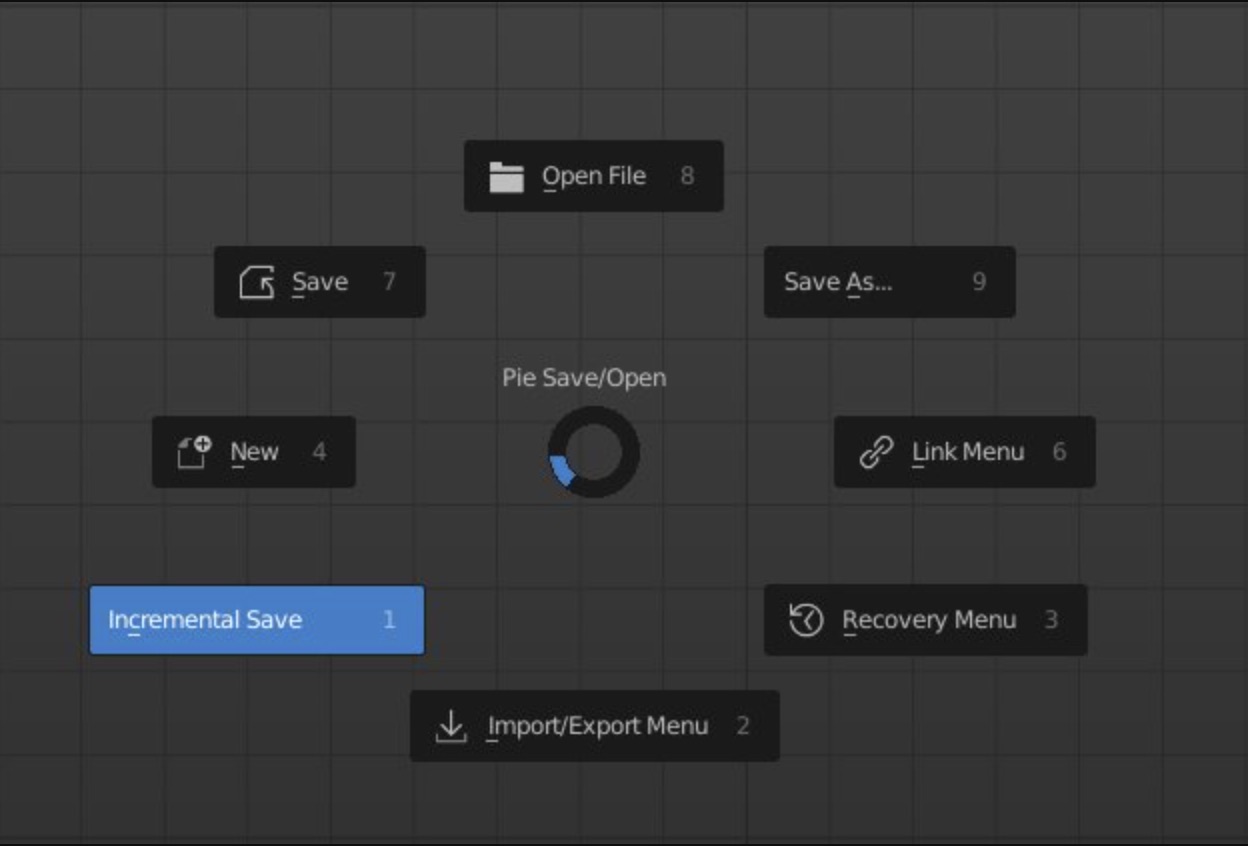
This is the basic structure of a Pie Menu in Blender using Python import bpy from bpy.types import Menu, Operator bl_info = { "name": "", "author": "", "version": (0, 0, 0, 1), "description": "", "blender": (2, 80, 0), "category": "3D view" } class VIEW3D_MT_PIE_template(Menu): # label is displayed at the center of the pie menu. bl_label = "Operations" bl_idname="mesh.mypie" def draw(self, context): layout = self.layout pie = layout.menu_pie() pie.operator("auto.smooth") ​ def register(): ​ bpy.utils.register_class(VIEW3D_MT_PIE_template) ​ bpy.utils.register_class(AutoSmooth) ​ def unregister(): bpy.utils.unregister_class(VIEW3D_MT_PIE_template) bpy.utils.unregister_class(AutoSmooth) if __name__ == "__main__": register() bpy.ops.wm.call_menu_pie(name="VIEW3D_MT_PIE_template") class AutoSmooth(Operator): bl_idname = "auto.smooth" bl_label = "AutoSmooth" def execute(self, context): bpy.ops.object.shade_smooth() bpy.context.object.data.use_auto_smooth = True return {'FINISHED'}

12 June 2021 · Mark

SMB Mac 11.3.1

Apple in its infinite wisdom changed the settings for Samba ‘SMB’ protocol and killed access to my NAS server, thanks Apple not like I wasn’t using it all the time. I found a fix online, don’t trust me check if there are any risks in this fix: Create or edit this following file and add the 2 lines to the file. ~/Library/Preferences/nsmb.conf [default] protocol_vers_map=2

8 May 2021 · Mark
Decal Machine

Busy with kits

Over the last few weeks I have been busy in Blender using the Decalmachine add-on to create some decal textures from Blender. You can find all my assets over at Gumroad. For more information on the assets for Blender and Modo just visit the link above.

20 February 2021 · Mark